- System updates
Official VAULO iPhone app – access your assets even more easily!
VAULO is now also available as an iPhone app in the official Apple App Store. The …
Archive post from 12 August 2024. It describes the state at that time.
The wait was worth it! VAULO releases a super-fast app version!
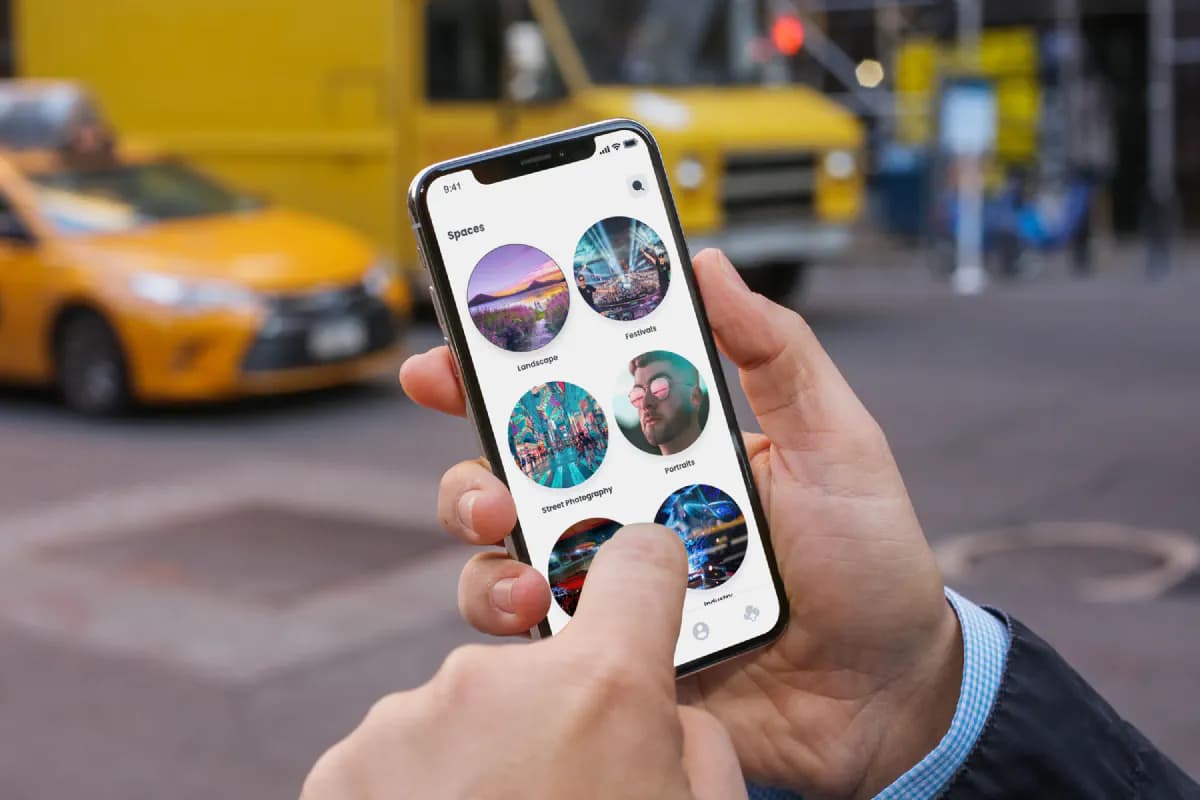
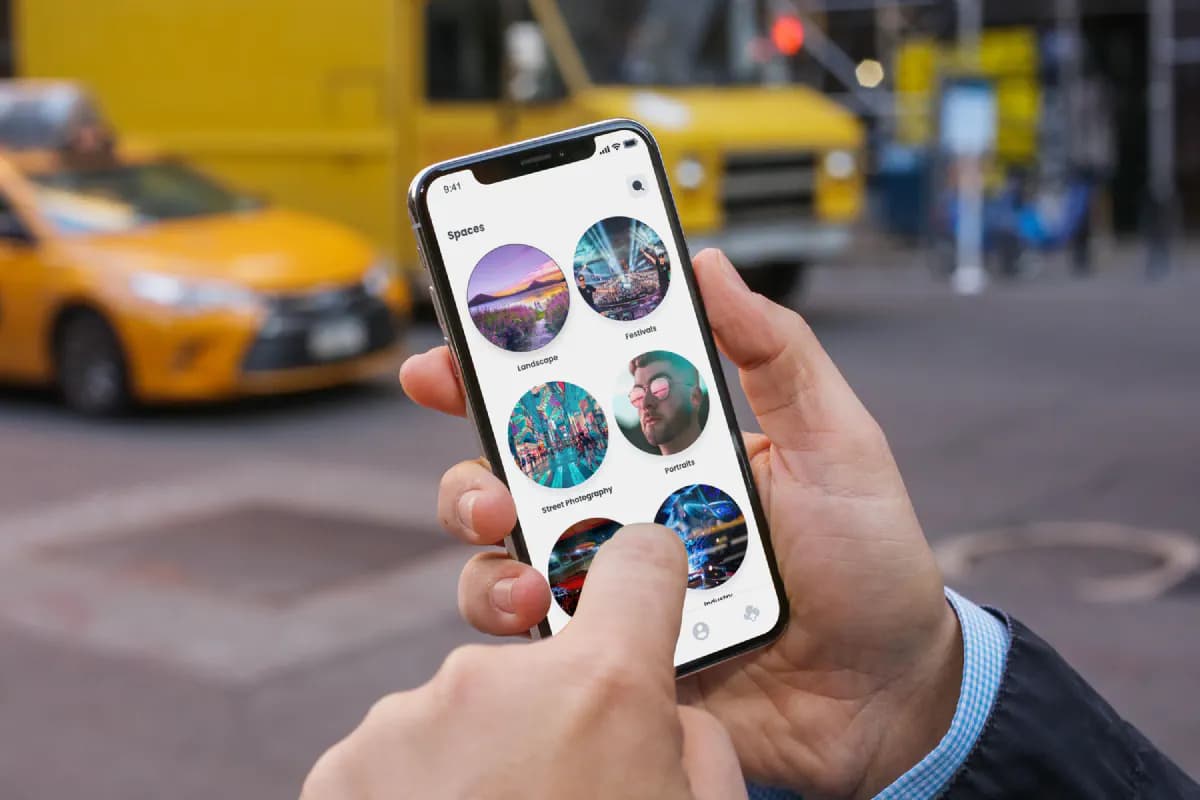
VAULO is now also available as an iPhone app in the official Apple App Store. The launch of our app lets registered users manage their files and digital assets even more easily and quickly – straight from their smartphone.
How do you get started with the new VAULO app?
Download the official VAULO app to your iPhone directly from the Apple App Store. Please note that the app can only be used by existing registered VAULO users. If you don't have an account yet, you can register HERE.
Spaces – your personal data world on your smartphone
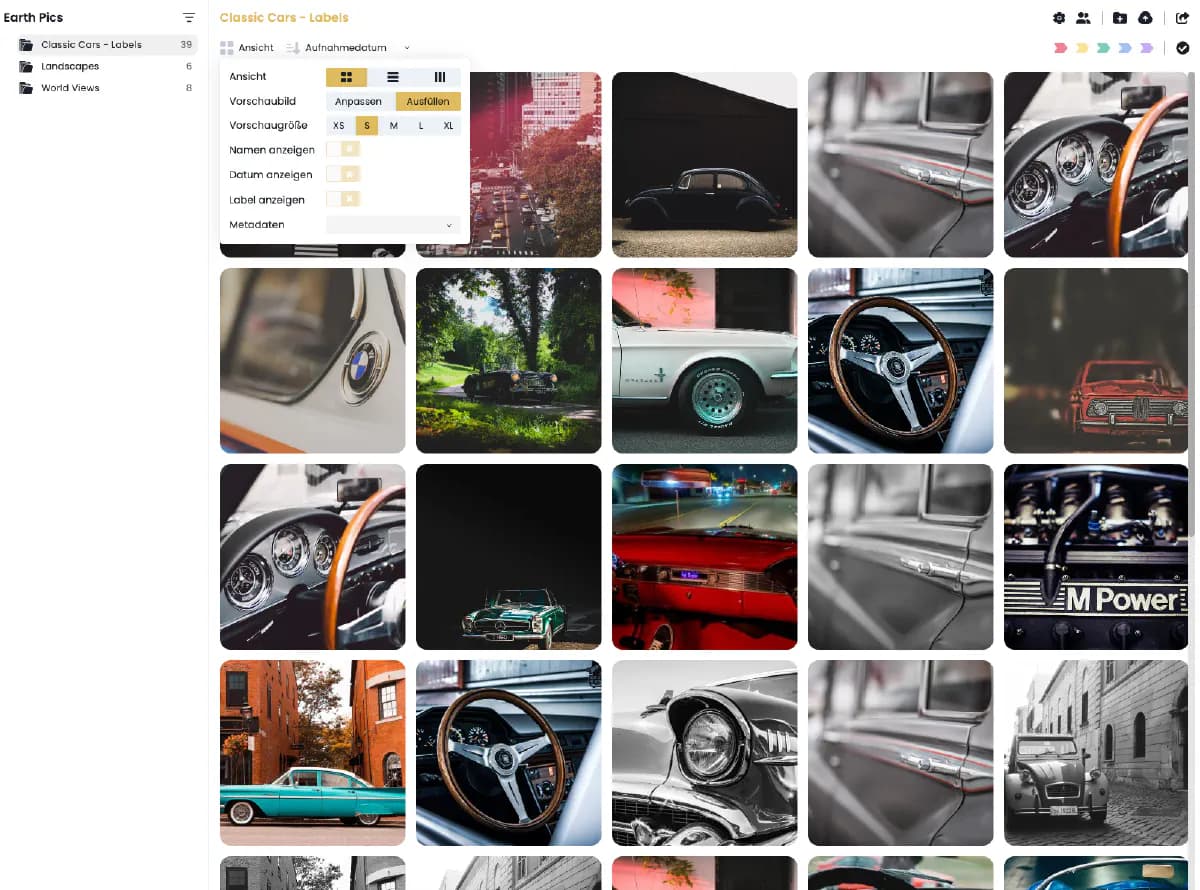
Once the app has been downloaded and installed, you can sign in and see your personal Spaces right away. Unlike in the browser, the mobile app shows Spaces as easy-to-use round icons, which makes them simple to operate with your fingers. The folder structure underneath is also designed specifically for mobile usability.
Everything at a glance – file details in one tap
What would media files be without the information that goes with them? That is why we have built a handy bottom sheet into the photo detail view. Simply swipe up from the bottom in the detail view of an image to get all the important information, plus the option to rate the image or give it a colour label.
Create, upload and sort – features at a glance
At the top right of the app you will find several icons that make working with your files easier:
- The "+" icon lets you create new subfolders or upload files directly from your phone.
- The tick icon lets you create a selection and then download it.
- The three horizontal lines let you sort your files by name or creation date.
filepush – easily send large files from your iPhone too
filepush, the feature our customers love, can now also be used on your iPhone. With a simple tap on the icon in the centre at the bottom of the screen, you can now send files of any size.