- Photography
- Workflow
Quick guide to key social media image sizes for 2024
In the world of social media, visual content is king. To …
Archive post from 5 July 2024. It describes the state at that time.
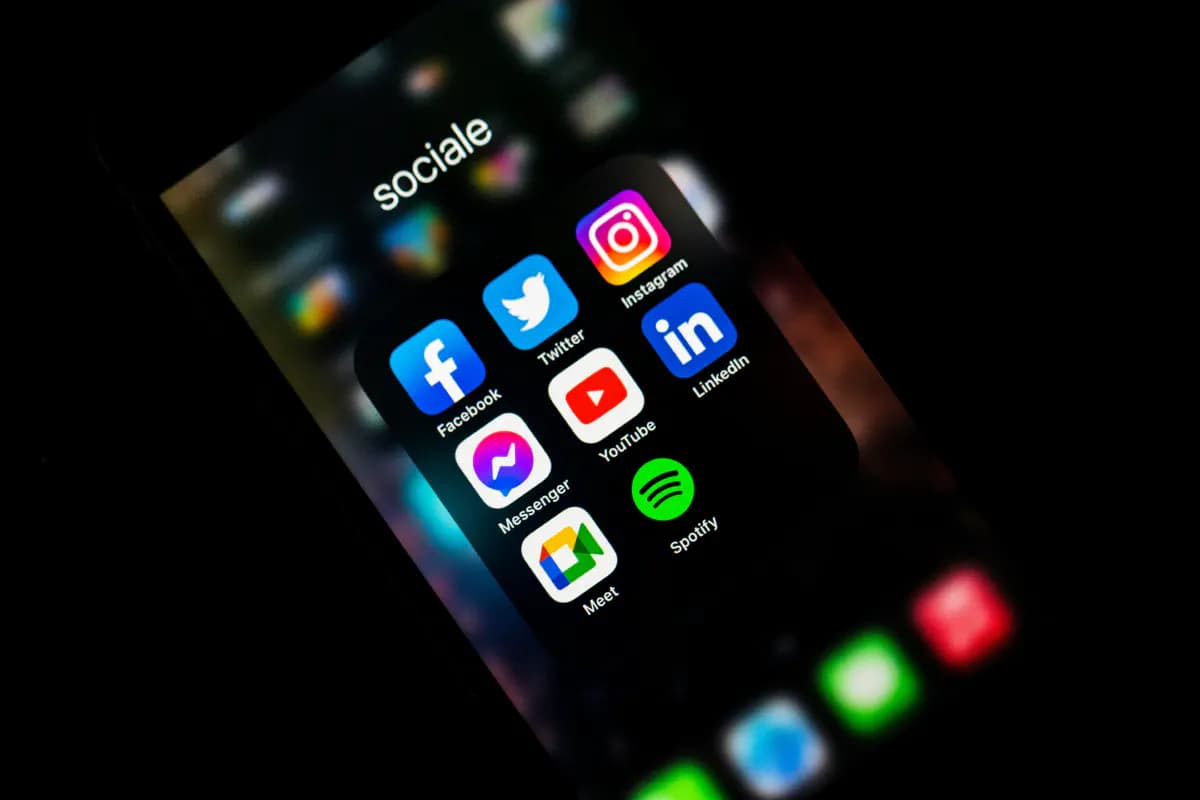
In the world of social media, visual content is king. To make sure your images show to their best advantage, it is important to know and use the recommended image sizes of each platform. Wrong image sizes can lead to distorted or blurry results, which weakens the professional impression and impairs the user experience. Sticking to the recommended image sizes ensures that your content always looks clear, appealing and professional, which leads to higher engagement and better reach. To always use your images in the right format, you can either use Adobe Photoshop to crop them accordingly, or simply store all your photos safely with VAULO and choose the format you need right when you download. That makes cropping child's play.
- Visual quality: Images that match the recommended sizes look good on every device. Images that are too small may look blurry, while images that are too large may get cropped.
- Engagement: High-quality images are more appealing and can generate more likes, comments and shares, leading to better reach and interaction.
- Consistency: Uniform image sizes give a profile a professional and coherent look, which is especially important for brands and companies.
- Algorithm: Platforms such as Instagram reward high-quality, appealing content, which can improve visibility in the algorithm.
- Professional impression: A well-designed profile with optimal image sizes leaves visitors with a professional impression and strengthens credibility and trust in the brand.
Quick guide to the most important image sizes for social media platforms in 2024
- Profile picture: 110 x 110 px (better: 180 x 180 px)
- Stories, Reels, videos: 1080 x 1920 px
- Reel cover: 420 x 654 px
Feed and carousel (special case carousel: up to ten images are possible here):
- Square: 1080 x 1080 px
- Portrait: 1080 x 1350 px
- Landscape: 1080 x 566 px (not recommended)
- Story cover: 1200 x 1220 px
- Video aspect ratio: 1.91:1 or 4:5, horizontal videos: 16:9
- Profile picture: 170 x 170 px (128 x 128 px on smartphones)
- Cover photo: 820 x 312 px (mobile: 640 x 360 px)
- Event image: 1920 x 1080 px
- Shared images: 1200 x 630 px, 1200 x 1500 px
- Shared videos: 1200 x 675 px
- Shared links: 1200 x 628 px (aspect ratio: 1.91:1)
- Highlighted images: 1200 x 717 px
- Story: 1080 x 1920 px
- Feed ads: 1080 x 1080 px (aspect ratio: 1.91:1 to 1:1)
- Carousel: 1200 x 1200 px (special case: up to ten images are possible here)
- Profile picture: 300 x 300 px
- Banner: 1128 x 191 px
- Hero image: 1128 x 376 px
- Post image: 1200 x 627 px
- Stories: 1080 x 1920 px
- Blog article header image: 744 x 400 px
X (formerly Twitter)
- Profile picture: 400 x 400 px
- Header: 1500 x 500 px
- In-stream image: 1200 x 675 px
- Videos: 1200 x 1200 px
TikTok
- Profile picture: 200 x 200 px
- Videos: 1080 x 1920 px (9:16)
- Profile picture: 165 x 165 px
- Header: 1440 x 810 px
- Board cover: 600 x 600 px
- Pin: 1000 x 1500 px or 1000 x 1000 px
- Idea Pin: 1080 x 1920 px
YouTube
- Profile picture: 800 x 800 px (displayed size: 98 x 98 px)
- Banner image: 2048 × 1152 px (aspect ratio: 16:9, max. file size: 6 MB)
- Banner safe area (for text and logos): 1235 × 338 px
Social media files in companies: less stress, more time
As companies use more and more photos, graphics and templates, they quickly lose track. A digital asset management system (DAM) such as VAULO can help. It stores images, videos, graphics, audio recordings and more in a central media pool that all users can access at any time. This makes it easier to search for, organise and share media files and speeds up the entire media workflow.