- Photography
- Workflow
Cutting unnecessary fixed costs as a freelancer
We all know it: the bane of every self-employed person – fixed costs. Especially in times of crisis, you think about …

Archive post from 12 October 2020. It describes the state at that time.
We all know it: the bane of every self-employed person – fixed costs. Especially in times of crisis, you think about which screw you can turn to keep costs as low as possible.
We all know it: the bane of every self-employed person – fixed costs. Especially in times of crisis, you think about which screws you can turn to keep your monthly costs as low as possible. After all, fixed costs remain even when revenue collapses.
Among the biggest cost drivers are the many insurance policies you need for your day-to-day work as a self-employed person. Alongside professional liability and legal expenses insurance, there are also industry-specific policies – such as electronics insurance, which you should never do without as a photographer or camera operator.
Besides these insurance policies, health insurance and retirement provision are also cost drivers that must not be underestimated. Saving on these, however, is usually difficult. Add everything up and you quickly reach a four-figure monthly sum that first has to be earned.

Numerous subscriptions put an additional strain on your account
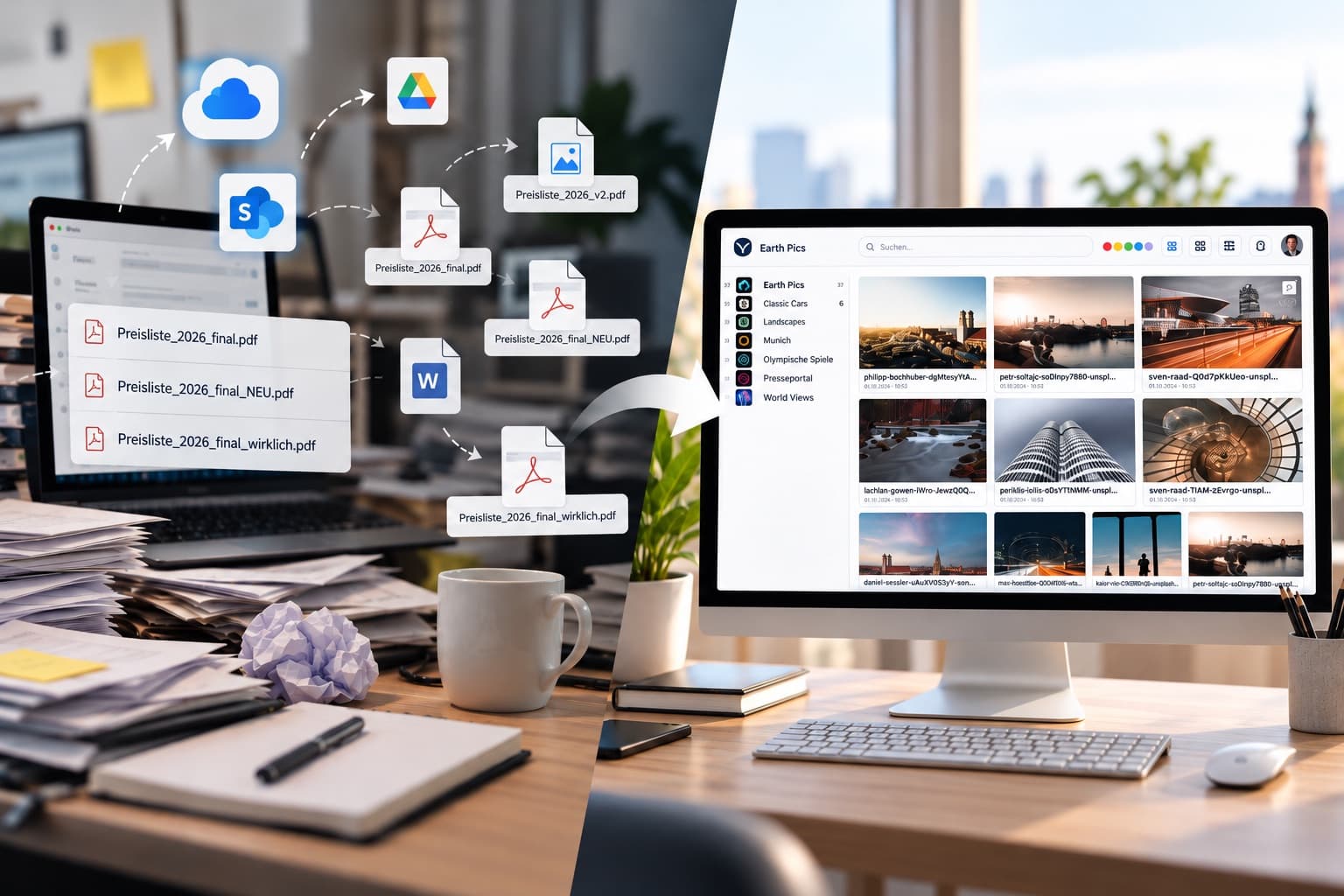
On top of these unavoidable expenses, a number of “subscriptions” have been added in recent years, without which working as a photographer or camera operator would no longer be possible. For me, this quickly added up to a three-figure sum per month to transfer, edit and archive photos & videos and ultimately make them available to my clients.
In addition to an Adobe subscription with products such as Adobe Lightroom, Adobe Photoshop and Adobe Premiere Pro, I also had subscriptions to Photo Mechanics, Picdrop, Vimeo and WeTransfer.
In principle, I was always very satisfied with this solution. However, crises such as the coronavirus pandemic make you rethink quite a few things, and so I came to the following conclusion:
This workflow alone cost me around 100 euros a month. Besides the subscriptions mentioned above, storage on a NAS system in particular came with high purchase and running costs. For example, a 10 TB hard drive cost around 500 euros. Yet it is neither properly protected against failure, nor is its internet connection as fast as one in a data centre. So I set to work with my IT team to create a solution that not only saves costs but also makes it possible to connect several services, because…

The biggest problem for me was not just the price.
… my problem was also that, while Picdrop was ideal for storing JPG photos, it supported neither RAW data nor video files – not to mention Office and Adobe files. In other words, Picdrop was, as the name suggests, only intended for photos. The picture was similar with Vimeo. Here, too, only one file type was supported: video files. A second disadvantage of Vimeo is the server location. It was not in Germany, which meant I could not guarantee my clients GDPR-compliant data storage. Whenever I had larger amounts of data to transfer, WeTransfer was the only option left anyway. Its servers were not in Germany either, which again raised data protection concerns among my clients.
In summary, the solutions available at the time left three problems that needed solving: the price, the server location and the need to use several programs.
That is why, in autumn 2019, the idea arose to create our own affordable, GDPR-compliant all-rounder that meets all the requirements of photographers & camera operators. An ambitious goal, but the first feedback from test users showed that the new digital asset management system was on the right track. Together with the Munich Security Conference as development partner, my team worked for ten months to bring the first version of VAULO online.
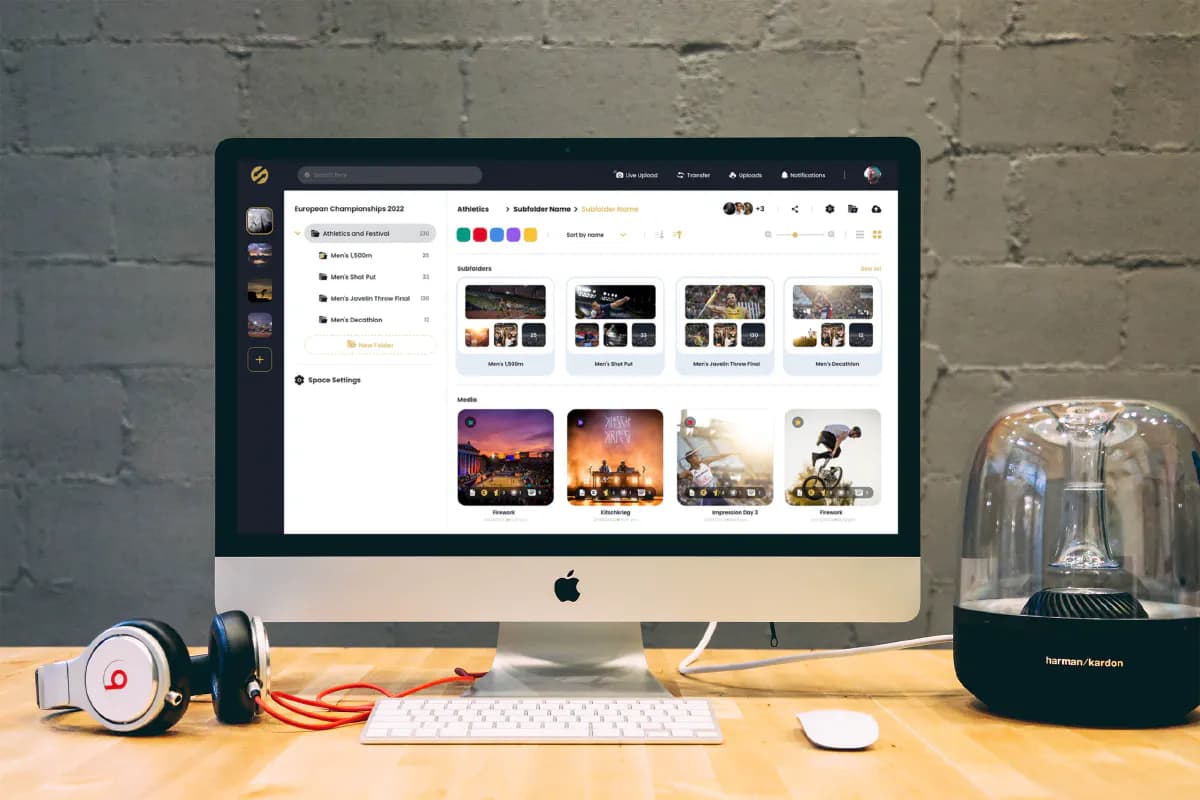
Since September 2020, media professionals have at least been able to save quite a bit on their fixed costs for cloud solutions, backups, data transfer and the like. Savings of more than 500 euros a year quickly add up.